
What Is Nano Banana AI? A Plain-English Guide
What is Nano Banana AI? Where the name came from, how Nano Banana, Nano Banana Pro and Nano Banana 2 differ, what they do well, and where they still slip.

If you have seen the phrase "nano banana ai" in a group chat or a search box and wondered whether it is a real product, the short answer is yes. Nano Banana is the name people use for Google's family of Gemini image models: tools that turn a written description into a picture, and, more usefully, change an existing picture when you tell them what to change in ordinary words.
This guide skips the hype. It explains where the odd name came from, which model is which, what they are genuinely good at, where they still trip up, and how to try them without signing up for anything expensive.
Where the name "Nano Banana" came from
The name was never meant to be a brand. It started as a codename.
LMArena is a public site where people compare AI models blind: you type a prompt, two anonymous models answer, and you vote for the better one before learning which was which. In 2025 an unnamed image model began appearing in those image-editing matchups under the label "nano-banana". People noticed it kept winning, especially on edits where the rest of the photo had to stay untouched, and the label spread across social media long before anyone knew who was behind it.
Google later confirmed that the model was its own, released as Gemini 2.5 Flash Image. By then the nickname had stuck so firmly that Google started using it too. When people say "Nano Banana" today they might mean that first model, or they might mean the whole family that followed. In search results you will also see the phrase "gemini image" used for the same thing.
The three Nano Banana models at a glance
There are three names you will run into. They are related, but they are not interchangeable.
| Name | Official model | In one line | | --------------- | ------------------------------- | --------------------------------------------------------------- | | Nano Banana | Gemini 2.5 Flash Image | The original: quick, cheap, and good at conversational edits | | Nano Banana Pro | Gemini 3 Pro Image | The heavyweight: complex scenes, dense text, higher resolutions | | Nano Banana 2 | Google's newer Flash-tier model | Faster and lighter than Pro, built for everyday volume |
Nano Banana is where it started. It made "just tell it what to change" editing feel normal: remove the person in the background, turn the sofa green, put this mug on a beach. It is still a sensible choice when you want quick results and do not need large output.
Nano Banana Pro is the quality tier. It takes longer and costs more per image, but it holds together better when a prompt asks for many things at once: several characters, a specific layout, a poster with real headlines, a product shown exactly as it looks in the reference photo.
Nano Banana 2 is Google's newer Flash-tier model. "Flash" in Google's naming means the faster, lighter line, so think of it as the everyday workhorse of the family: quicker turnaround and a lower price than Pro, with a large step up from the original in most areas.
What Nano Banana AI is good at
Every image model can draw a pretty sunset. What made this family stand out is a handful of practical strengths.
Editing in plain language
You do not need to learn masks, layers or special syntax. Upload a photo and write "make it look like late afternoon in autumn" or "replace the logo on the shirt with a plain white circle". The models are good at changing only what you named and leaving everything else alone. That precision is what people noticed on LMArena in the first place.
Keeping a character consistent
Ask most generators for the same person in five different scenes and you get five cousins. Nano Banana models do noticeably better at keeping a face, hairstyle and outfit recognisable across images, especially when you give them a clear reference photo and say what must not change. That matters for storyboards, comics, product mascots and anyone building a set of images rather than a single one.
Text you can actually read
Older image models produced lettering that looked like text from a distance and like alphabet soup up close. Nano Banana Pro in particular can render headlines, labels and short paragraphs that are spelled correctly most of the time. The cover image of this post is a good example: the map labels were written into the prompt, and the model placed them as lettering on the parchment.
Working from several references
You can hand the models more than one image and explain the role of each: "use the jacket from image 1, the pose from image 2 and the lighting from image 3". This is the feature that turns them from toys into tools, because it lets you combine a real product, a real face and a chosen style in one result.
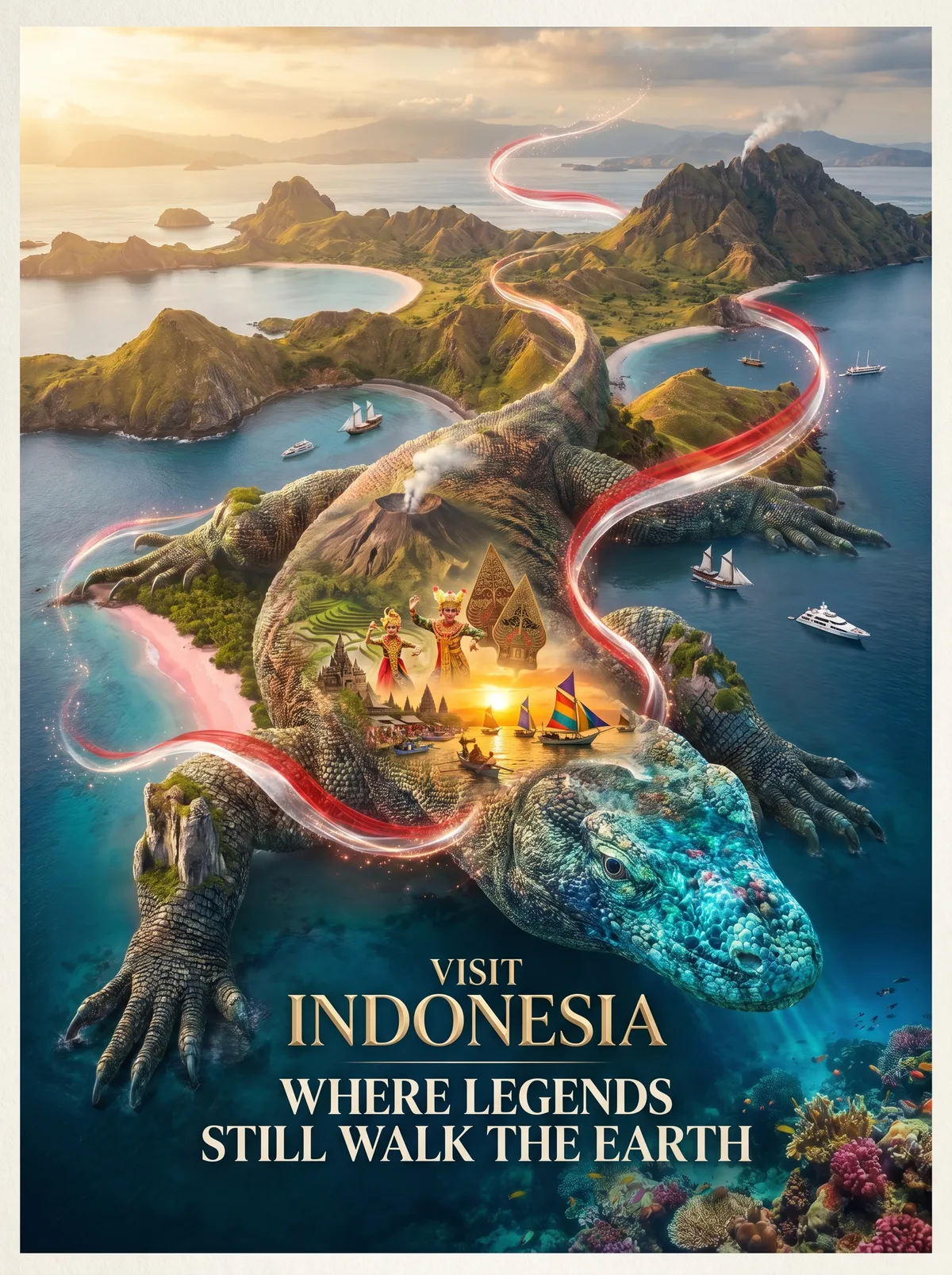
Where Nano Banana still gets things wrong
These are strong models, not magic ones. It helps to know the usual failure points before you rely on them.
- Hands and small details. Fingers, jewellery clasps, bicycle spokes and other small repeated structures can still come out bent or duplicated. Zoom in before you publish.
- Tiny text. Big headlines are usually right. Fine print, long paragraphs and text that sits at a steep angle are where spelling errors creep back in. Keep important text short and large.
- Drift over many edits. If you edit the same image ten times in a row, small changes accumulate and the face or colours can wander. Going back to the original and making one combined request often works better.
- Safety filters. Google applies content filters, and requests involving real public figures, explicit content or certain sensitive subjects may be refused or return nothing. Sometimes an innocent prompt gets caught too; rephrasing usually fixes that.
- Watermarking. Google marks images from its models with SynthID, an invisible watermark that identifies them as AI-generated. That is a feature, not a flaw, but it is worth knowing if you are planning to pass AI images off as photographs. Don't.
How to try Nano Banana on Nano Banana One
Nano Banana One is a web studio that puts these models next to others in one place, including Google's Nano Banana models, OpenAI's GPT Image models and ByteDance's Seedream. You pay with one credit balance instead of holding separate accounts.
Getting started takes a few minutes:
- Create a free account. New accounts get 100 free credits, with no credit card required.
- Open the Studio and describe what you want, or start from a prompt in the gallery. You can attach up to 8 reference images for faces, products or style.
- Pick a model, or choose Auto and let the studio pick one that fits the prompt.
- Generate and download. If a model fails to finish an image, the credits for it are refunded automatically.
What 100 credits buys depends on the model. Prices start at 20 credits per image for Nano Banana, 40 for Nano Banana 2 and 80 for Nano Banana Pro. Free accounts generate at 1K resolution with one model at a time, so your starter credits cover five Nano Banana images, two Nano Banana 2 images, or one Nano Banana Pro image with enough left over for a Nano Banana image.

Paying unlocks more. Every paid plan adds 2K output, and Ultimate, Business and credit packs go up to 4K. From the Pro plan up you also get Beast mode, which sends the same prompt to several models at once so you can compare results side by side: Pro and Crew run up to 4 models per prompt, while Ultimate, Business and credit packs run up to 8. The pricing page lists every plan. One more practical note: on free and Starter accounts, images are for personal use and appear in the public gallery. Commercial licensing and Private Mode come with the higher plans and credit packs.
FAQ
Is Nano Banana AI free?
Google offers limited free use inside its own apps. On Nano Banana One, new accounts get 100 free credits, which is enough to try each of the Nano Banana models at 1K without paying.
What is the difference between Nano Banana Pro and Nano Banana 2?
Nano Banana Pro is the top-quality tier, best for complex scenes, heavy text and many references. Nano Banana 2 is the faster Flash-tier model, cheaper per image and a good default for everyday edits and batches. If you are unsure, run the same prompt on both and keep the better result.
Is "Nano Banana" an official Google product name?
It began as an anonymous codename on LMArena. Google has since embraced the nickname, but the formal model names are Gemini 2.5 Flash Image for the original and Gemini 3 Pro Image for Nano Banana Pro.
Can I use my own photos?
Yes. That is one of the main reasons to use these models. Upload a photo, describe the change, and the model edits it. On Nano Banana One, uploaded reference photos are never shown publicly.
The short version
Nano Banana AI is Google's Gemini image family under a nickname that escaped from a leaderboard. Use Nano Banana 2 for fast everyday work, Nano Banana Pro when quality and text matter, and the original Nano Banana when you just want a cheap, quick edit. Then check the hands.
Nano Banana One is an independent studio and is not affiliated with, endorsed by, or a product of Google.